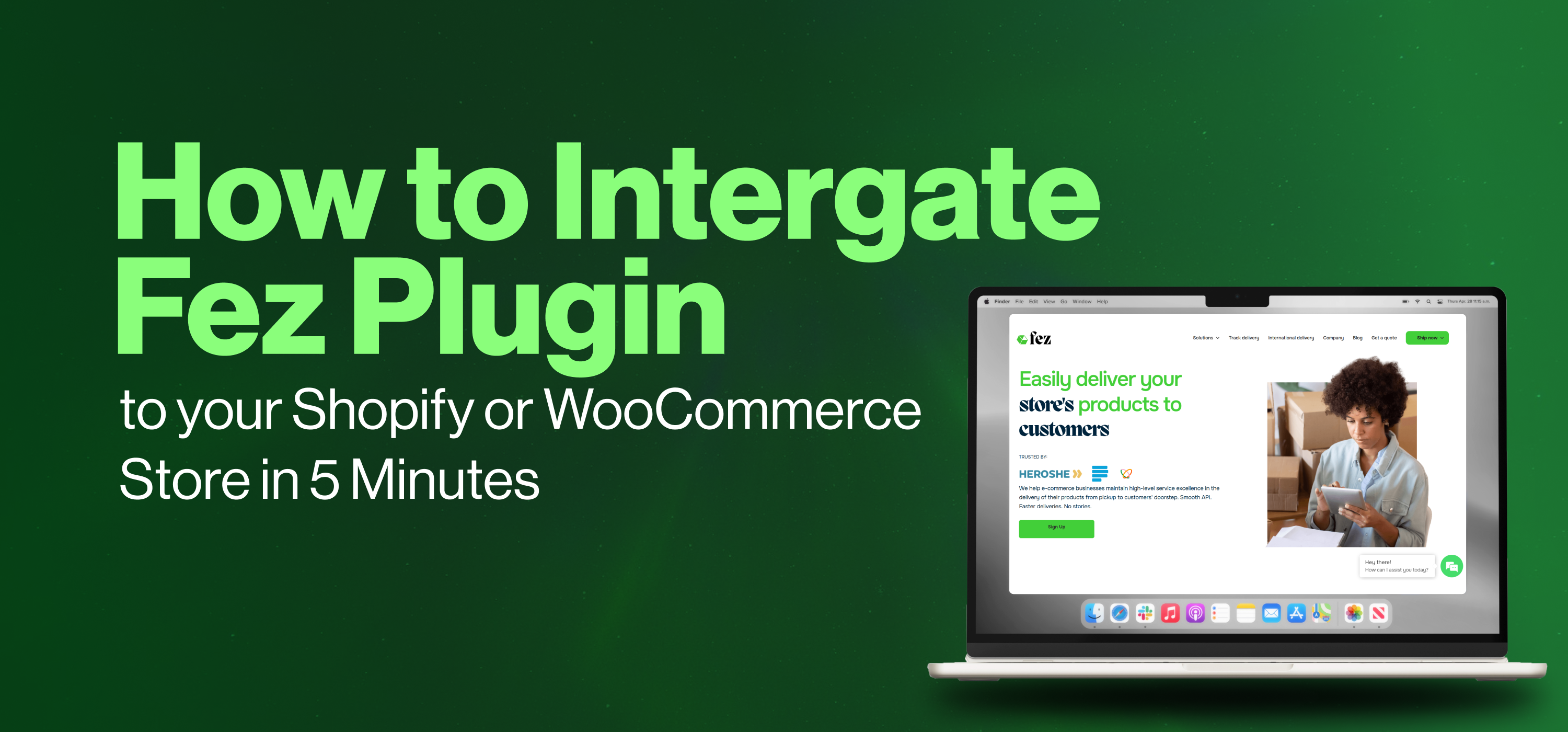
In the world of e-commerce, your checkout process is only as good as your delivery partner. If your cart works but your courier or delivery doesn’t, the sales process is not yet complete, and you will be losing sales that should be yours.” In fact, 70% of online shoppers won’t return if their delivery experience is unreliable.
To help you build loyalty and scale and achieve successful shopping on your online store, we’ve made it easier than ever to automate your logistics. No more manual bookings or copying addresses. You can now connect your store to Fez Delivery in just 5 minutes.
Why Automate with Fez?
Before we get into the steps, it’s good to know why it's needful to automate your deliveries with Fez. Integrating the Fez plugin doesn’t just save you time; it super-boosts the sales experience on your online store. Here are some reasons why you should:
- It's a single-click integration: no complex coding required.
- Real-time tracking: It keeps your customers informed automatically and in real-time.
- You enjoy affordable rates: This is because it's a unique logistics solution tailored to the growth of your online store.
- Smart Fulfilment: It helps you manage everything from local bikes to international shipping from one dashboard.
Now, let’s look at the steps one after the other.
Integrating with WooCommerce
If you are running your store on WordPress, follow these 5 easy steps to get started:
- Download: Visit the Fez Delivery WooCommerce page to download the latest plugin ZIP file.
- Upload: Extract the folder and upload it to your site’s /wp-content/plugins/ directory via FTP or your hosting file manager.
- Activate: Log into your WordPress admin dashboard, navigate to Plugins > Installed Plugins, and click Activate under Fez Delivery.
- Configure: Once active, access the Fez Delivery section in your admin dashboard to adjust your settings.
- Go Live: You’re ready to start delivering smarter!
Integrating with Shopify
For Shopify users, the process is directly integrated into your store admin:
- Install the App: Log in to your Shopify admin. Visit the Shopify App Store, search for Fez Delivery Co., and click Install.
- Authorize: Once the installation is complete, the app will appear in your Apps section. Click it to begin configuration.
- Configure Settings: Inside the app, set up your delivery options (local Nigeria, international delivery, or smart lockers). You can also set dynamic shipping rates and a date picker for customer convenience.
- Sync Orders: Orders placed in your store can now be sent to Fez for fulfillment. You can trigger them manually or upload orders in bulk via the dashboard.
- Test & Monitor: Place a test order to confirm that shipping options (bike vs. bus vs. lockers) appear correctly and that your shipping labels generate as expected.
Whether you’re dealing with a custom WordPress theme or Shopify, integrating the Fez plugin is very simple. Our technical team is also on standby to make sure your “5-minute setup” goes smoothly.
Some Common Quick Fixes You Might Need in this Process:
- Plugin Not Activating? Ensure your WordPress is updated to the latest version to stay compatible with the Fez plugin.
- Rates Not Showing at Checkout? Double-check that your store's "Origin Address" is correctly set in your settings so our system can calculate delivery paths accurately.
- Sync Issues? If an order isn't appearing in your Fez dashboard, try the "Manual Sync" button in your plugin settings to refresh the link.
If you need a deeper dive or have a unique business workflow you want to discuss, you can reach out to us for support:
- Email: support@fezdelivery.co
- Hotline: 02017003077
- WhatsApp: 09060005049
In summary, what the Fez plugin intends to achieve for you is efficient and timely delivery for your business and customers. Whether you are sending a bike across Lagos or a parcel to London, let our technology do the heavy lifting so you can focus on building your brand.
Ready to start? Install the plugin today and see how easy growth can be.